The configurator at the heart of personalization
Context
Unlike a classic product, a Sunology solar station isn't just a simple item you add to a cart. It's a modular system composed of a panel, a bracket, ballast, extensions, and options (smart meter, specific cables).
Shopify's native behavior broke these elements down into distinct line items in the cart. The result: a confusing shopping experience where the customer no longer knew which extension corresponded to which panel, making order modifications laborious and increasing cart abandonment.
Role
I led the design of a custom configurator to replace the standard purchasing journey. The goal was to hide the technical complexity behind a fluid and reassuring interface, guiding the user step by step.
My mission included UX research, designing the grouping logic (bundle logic), and the art direction of the interface, ensuring that each customer felt like they were "building" their own energy station rather than just stacking spare parts.
The Modular Shopping Experience
V2: Experimenting on Average Order Value
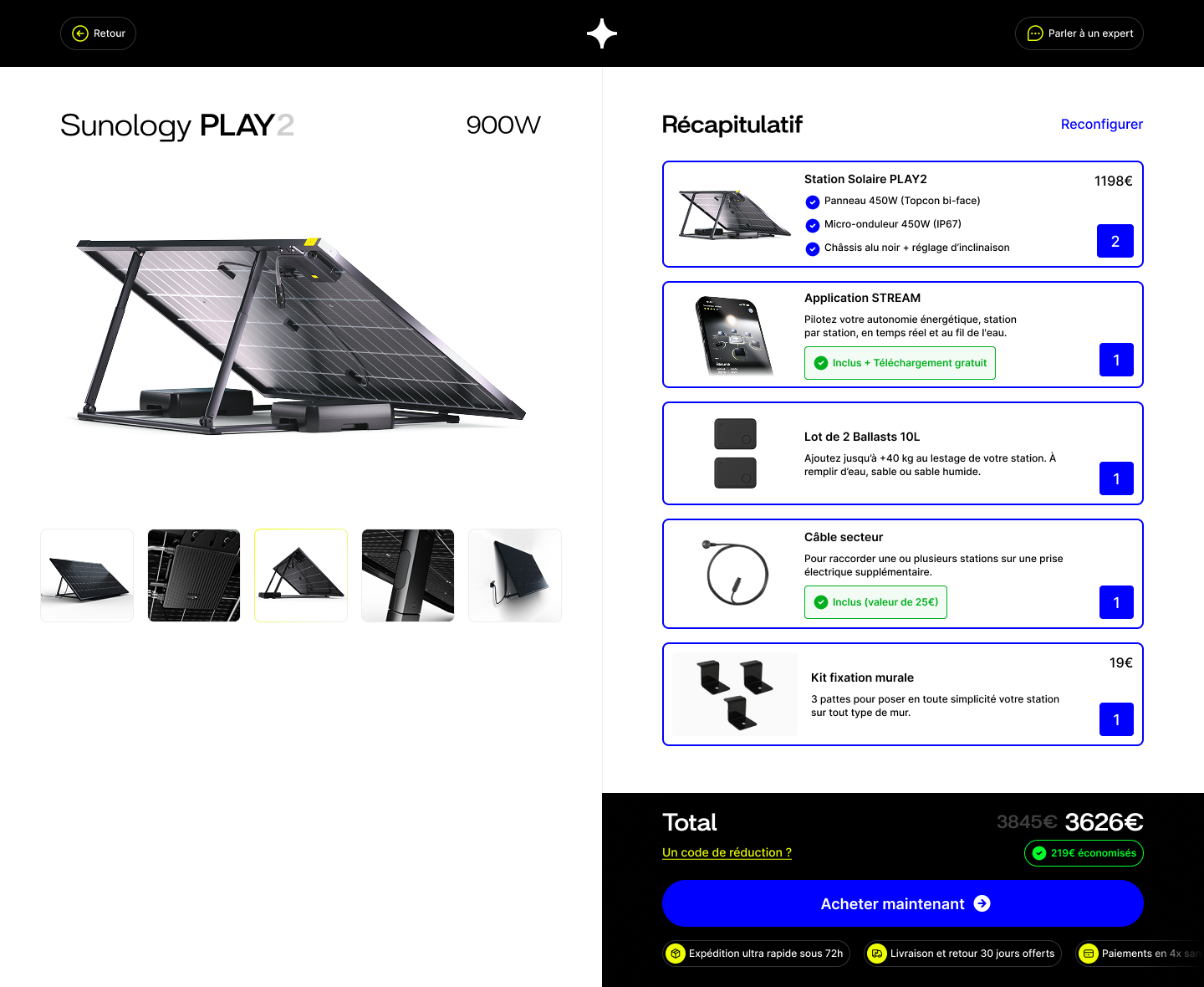
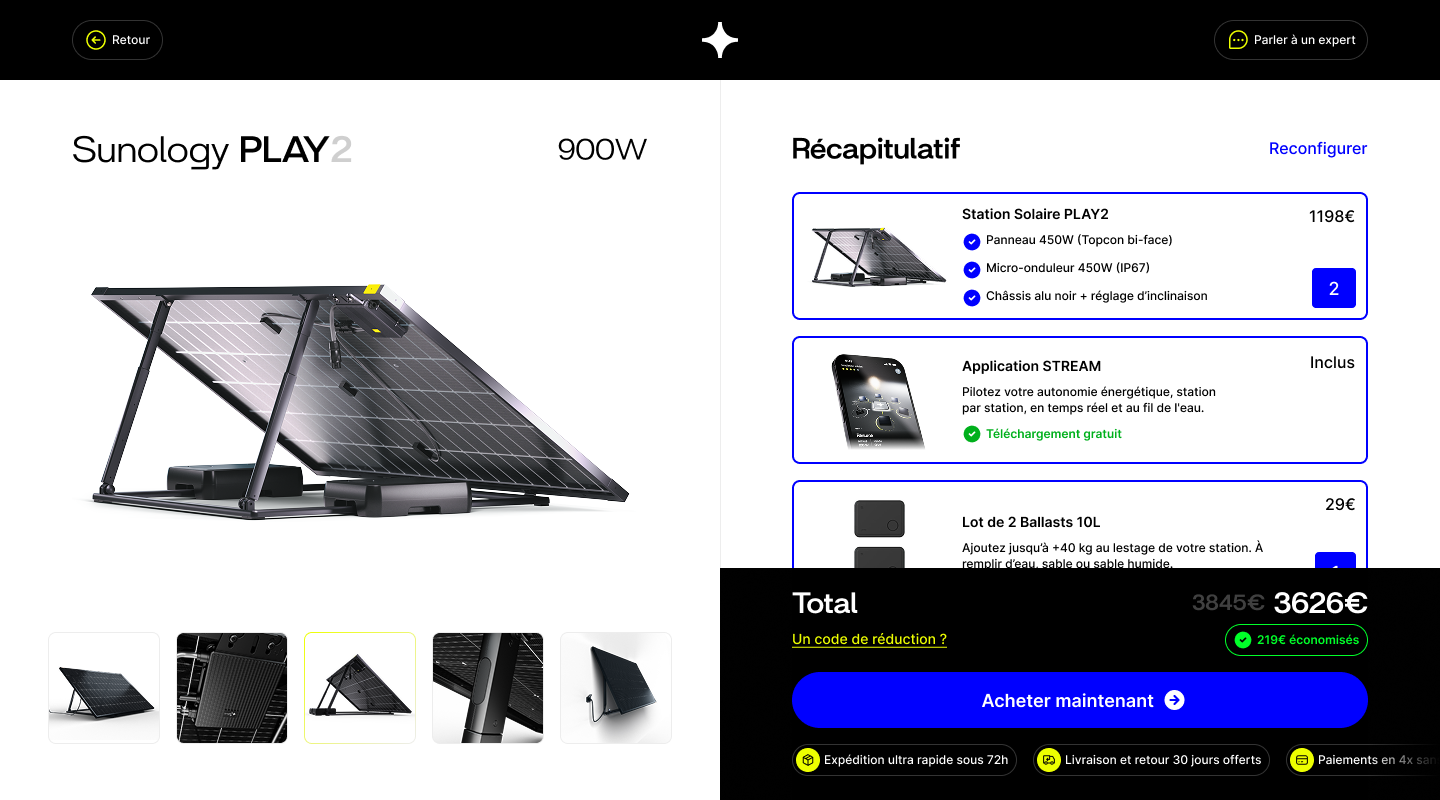
With the V2 of the cart, we made a strong choice: accelerating the increase of the Average Order Value (AOV) by massively highlighting the quantity selector, at the expense of showcasing the product itself.
It was also about fixing a major UX issue: many customers were missing the volume information in the cart, and we saw an increase in customer support calls asking to modify orders after the fact.
This iteration improved immediate understanding of the volume added. However, on the subsequent V3 and V4 versions, we returned to a more standardized quantity selector. Our KPIs ultimately demonstrated that over-emphasizing this selector specifically for the flagship item did not drastically increase AOV, as the friction lied elsewhere.
The Builder: Constructing your station
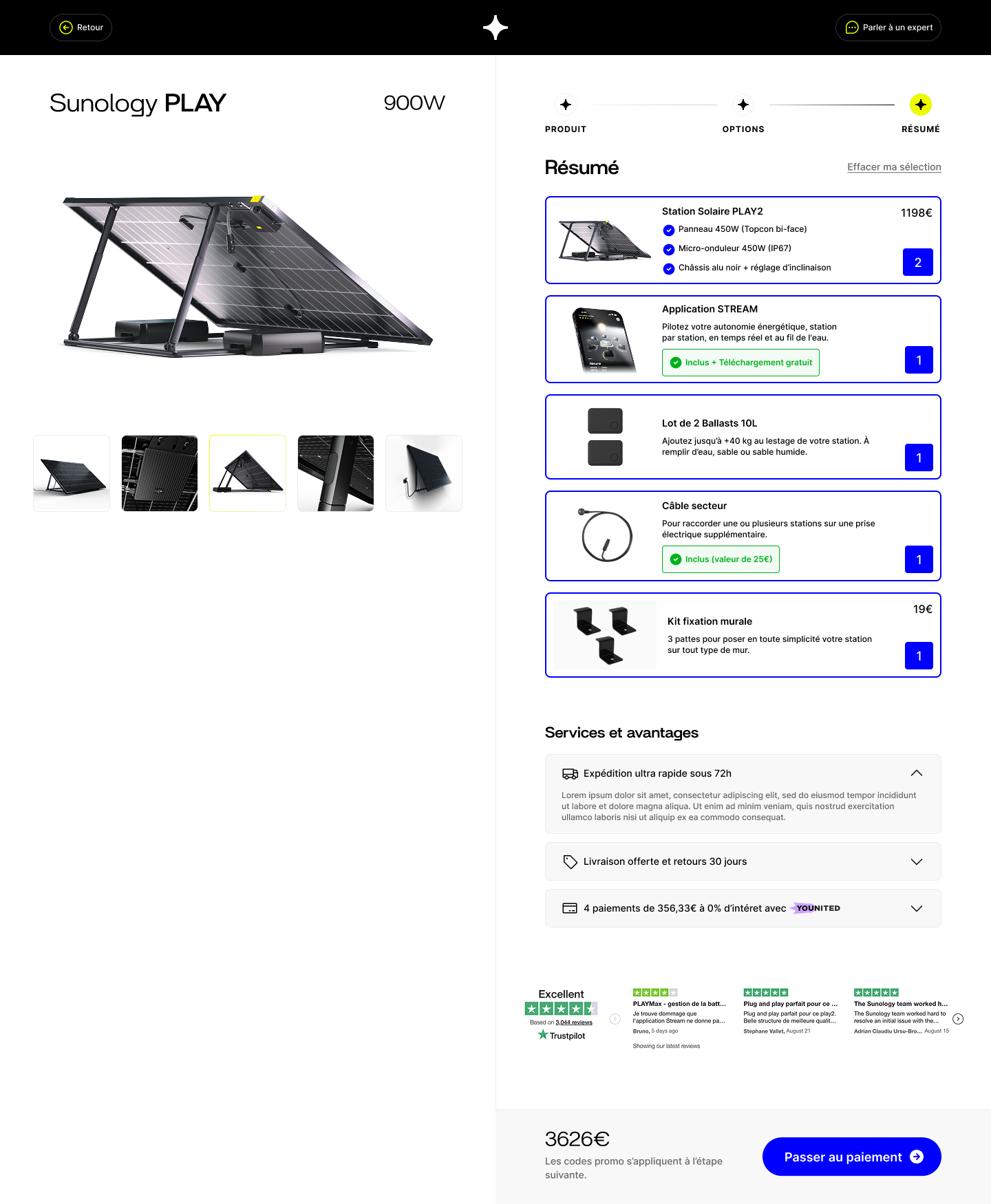
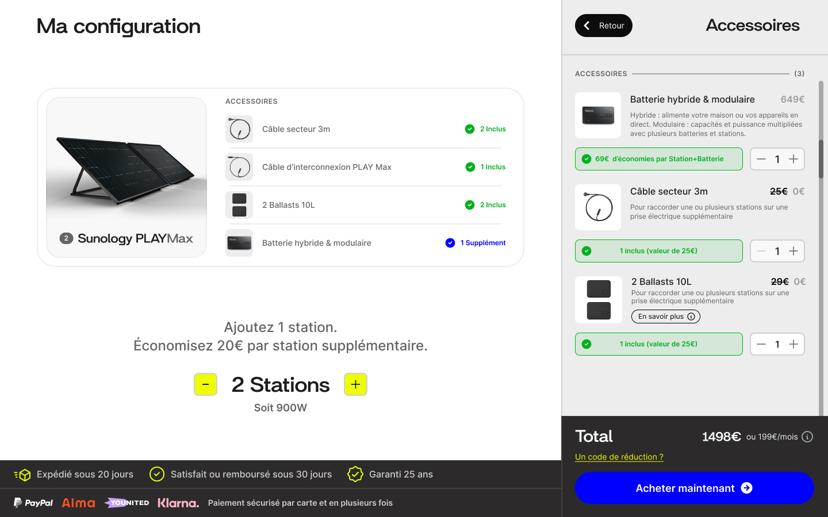
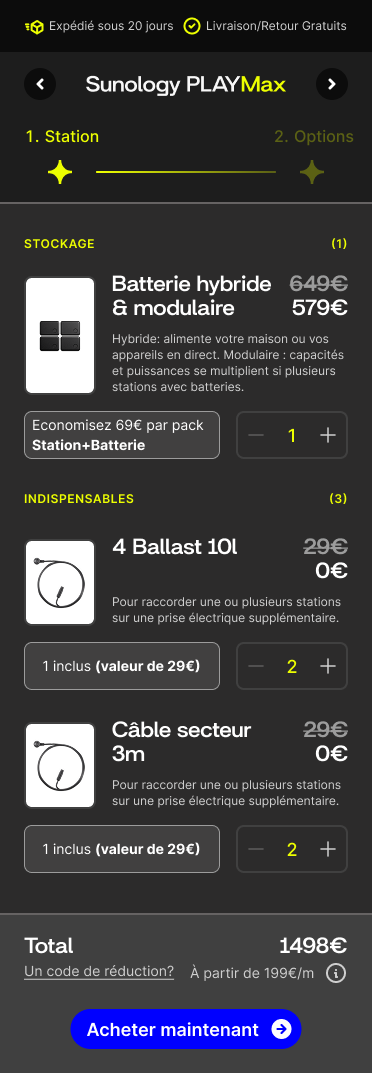
To simplify the understanding of the offer, we introduced a configurator in the form of an interactive modal. Rather than a long, classic product page, the user is invited to configure their equipment via a clean, step-by-step interface.
The configurator natively handles incompatibilities. If the user chooses to extend their station, the interface automatically suggests the appropriate interconnection cables and adjusts the smart meter accordingly. This approach prevents ordering errors that historically caused frustration and overloaded customer support.
Visually, the interface emphasizes reassurance: a summary of projected savings, clear highlighting of included options, and an information architecture structured to never overload the buyer's cognitive load.
The smart cart drawer grouping accessories by master station.
The Smart Cart (Grouping)
The redesign of the slide cart drawer was one of the biggest technical and user experience challenges. We had to transform Shopify's linear display into a hierarchical structure: a main line representing the "Station," with its accessories nested below.
This grouping logic allows the customer to modify the quantity of an entire station in a single click, mathematically adjusting all associated sub-components. This provides a feeling of absolute control.
Furthermore, the cart became a powerful upselling tool. If a customer adds a panel without a specific bracket or smart meter, the cart identifies the "hole" in the configuration and smartly suggests the missing accessory as a "1-click add", boosting the Average Order Value (AOV).
The V4 Generation: A multi-product ecosystem
Although propelled during the launch of our flagship product (the PLAY2), the V4 configurator was designed to be universal. The interface dynamically adapts and now allows the customization of all stations in the Sunology ecosystem (PLAY, PLAY Max, CITY). The experience aimed to be even more immersive and premium, featuring a more spacious design and high-quality 3D renders.
The order summary (Checkout process) was completely redesigned to offer surgical transparency. Color options, connectivity choices, and software subscriptions are clearly separated from the raw hardware. Furthermore, we made a major shift: returning to a "Light" style (V4), abandoning the "Dark" style (V3). This return to our roots, in line with V2, was obvious: Sunology sells light, and the interface needed to reflect that. Data confirmed this intuition, showing that a white-background configurator converted better while offering absolute clarity.
This V4 version perfectly illustrates the philosophy of iterative design at Sunology: listening to user feedback from V3 to clean up the interface, reduce cognitive friction to an absolute minimum, and support the brand's technological move upmarket.